Workflows
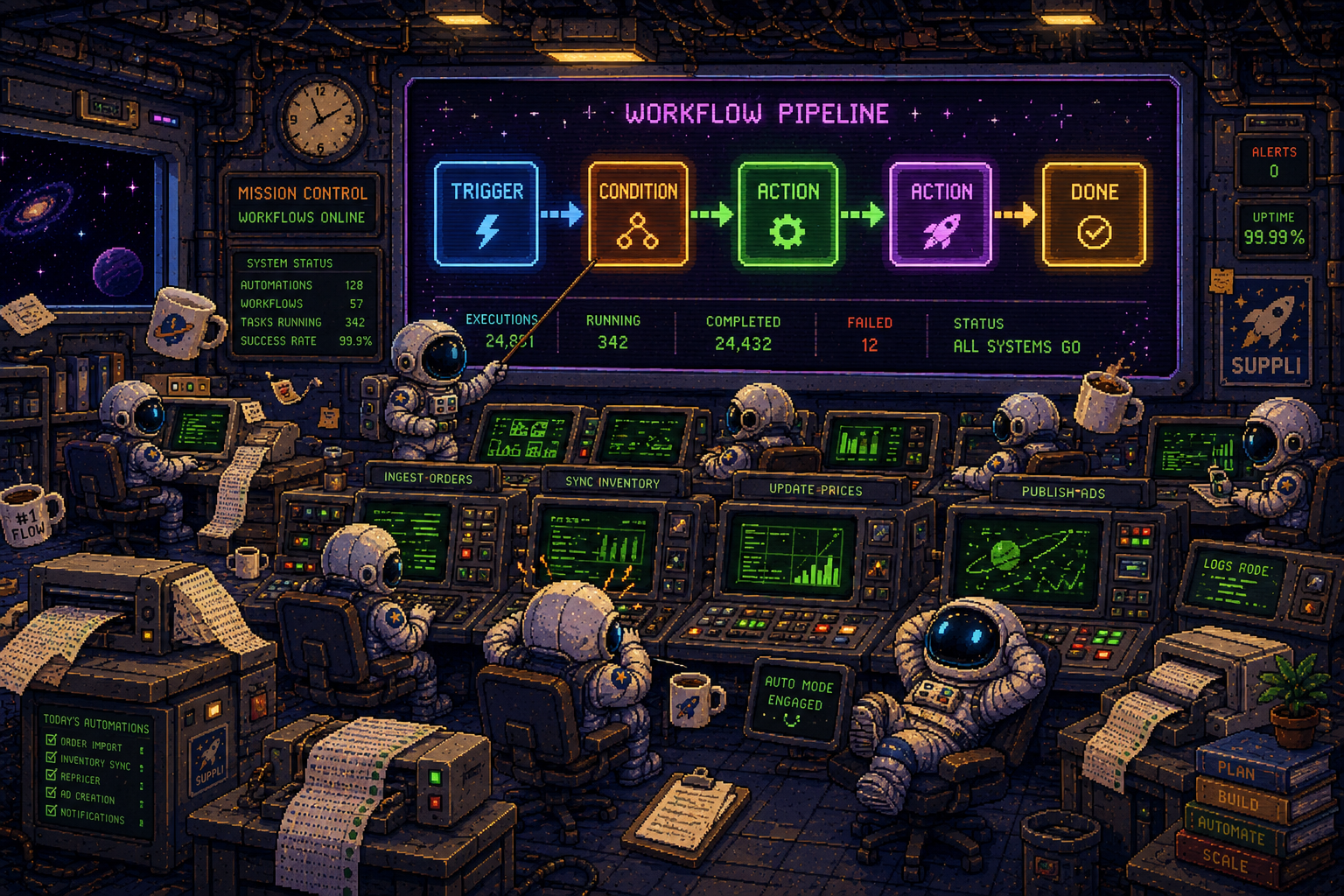
Workflows connect an inbound email or a Slack message to an action — send an email, ask someone for approval, wait for a reply, then carry on.
Not where Suppli is heading
Workflows is no longer the direction Suppli is built around, and it isn't receiving new capabilities. Existing workflows keep running, and the jobs people mostly used it for now live in apps that do them properly. If you are setting something up today, start with the app that owns the job rather than building it here.
Where those jobs live now
- Answering customers — Suppli DM replies across Instagram, Messenger, X, Slack, email and your website chatbot, using your Business Info and product catalog. See Suppli DM.
- Shipping labels — Suppli Fulfillment turns an order into a label, using the weight and dimensions already on the product. See Suppli Fulfillment.
- Matching a product from a name or SKU — Suppli Catalog holds the mapping, and every app reads it. See Suppli Catalog.
- Reading a business's website for facts — Business Info scrapes and stores the pages you list, once, for every app to use. See Business Info.
- Cold outreach and replies — Suppli Leads finds businesses, writes the email, sends it from your own mailbox and tracks the reply. See Suppli Leads.
What still runs
If you already have workflows set up, they continue to work:
- Email triggers — a workflow can start when an email arrives in a connected inbox and matches a category.
- Slack — send a message, or ask for an approval and wait for the answer.
- Email actions — send an email as part of a run.
- Waiting — a run can wait for a reply and time out after a set period, either continuing, stopping or alerting you.
You can see, pause or delete an existing workflow from Workflows in your dashboard.
Replies to a workflow email
A workflow's email goes out from Suppli's own sending address, so a reply comes back to Suppli rather than to your inbox, and a run waiting on a reply is resolved by mail arriving in a mailbox Suppli reads. If you need a reply to reach you directly, send it from your own connected mailbox using Suppli Leads or Suppli Contacts instead.